Images
What is a .webp file?
WebP image
A web image format that supports compression, transparency and animation.
Official sources checked
What it is and where it appears
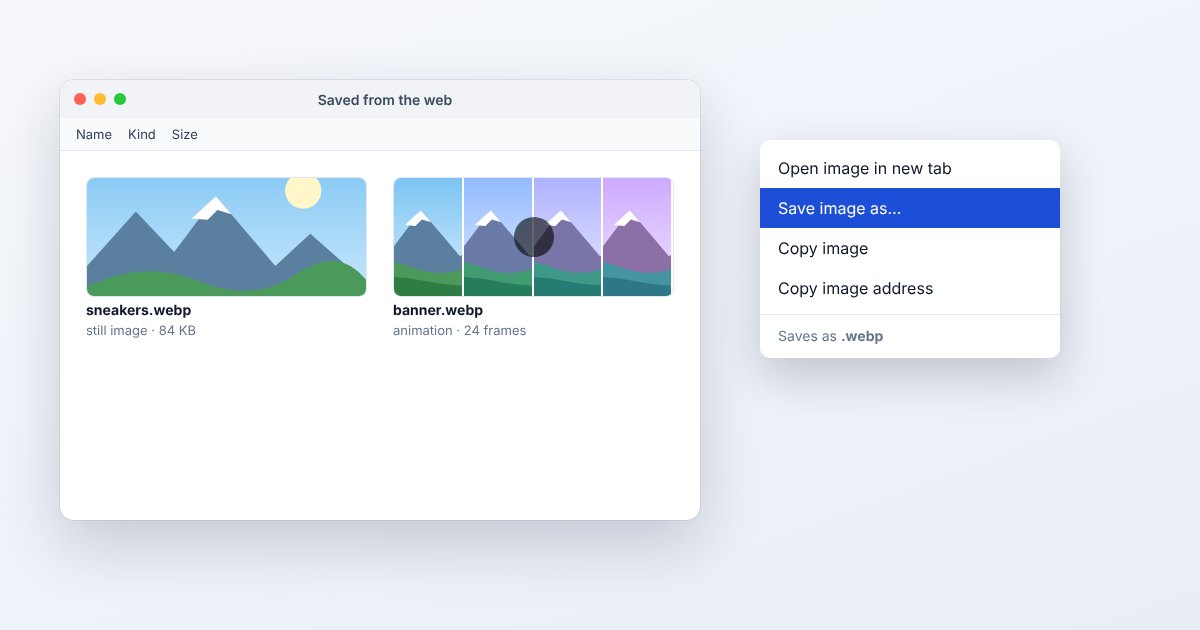
WebP is Google's image format for web delivery. It can use lossy or lossless compression and can store transparency or animated frames. A photograph downloaded from a web page may therefore arrive as .webp even if the site's original upload was JPEG. The extension describes the copy the server delivered, not necessarily the photographer's original working file.
There is no single quality level attached to WebP. A lossy photo, a lossless transparent logo and an animation can all use the same extension while making different tradeoffs. The container can also hold ICC color profiles, EXIF and XMP metadata. Whether these survive an edit depends on the particular exporter and its settings, not simply on continuing to use WebP.
How to open .webp files
Windows
Open the file in current Chrome, Edge or Firefox for viewing. For editing, Photoshop 23.2 and later has native WebP support: choose File > Open. Older Photoshop installations need a supported update or the publisher-documented plug-in workflow.
Mac
A current Safari or Chrome browser can show WebP, including supported animations. Photoshop on Mac also supports the format in the documented versions. Use File > Save a Copy when you need a separate delivery file without overwriting an editable master.
iPhone
Safari supports WebP on modern iOS versions. View the image on its original page, or select a downloaded WebP in UtilityNest's converter through the file picker. A receiving app's attachment preview may not behave like Safari, especially for animation.
Android
Chrome supports WebP, and Android has platform decoding support for ordinary WebP images. Use a browser when checking whether the file animates. A gallery thumbnail can show a static frame even when the underlying file contains several frames.
Browser
Drag a local WebP into a desktop browser window, or open its direct URL. For a site that requires PNG or JPEG, use the matching tool below. Verify whether your source is static before relying on a still-image converter.
When to convert it and what changes
Choose PNG when converting a transparent still graphic for an application that rejects WebP. Choose JPEG for an opaque photo, with a background color deliberately selected if the source has transparent areas. Neither a PNG still nor an ordinary JPEG carries WebP's entire animation. Keep the original when frame timing matters.
A lossless PNG export preserves the decoded pixel image without another lossy compression step, but it cannot undo losses from an earlier lossy WebP. Metadata and color-profile handling require separate checking. In Photoshop's WebP save options, metadata inclusion is an explicit choice. Do not assume a new file retains or removes location data merely because its appearance is unchanged.
Three common problems and fixes
Photoshop does not offer WebP as an output choice
Check the application version and document mode. Adobe's native workflow is for 8-bit RGB documents and is available in Photoshop 23.2 onward. Save a copy in the appropriate mode instead of discarding the only high-bit-depth master.
Transparent areas become white after JPEG conversion
JPEG needs opaque pixels. Set the desired background before export, or select PNG to retain alpha. A white background is a conversion consequence, not evidence that the original WebP lacked transparency.
An animated WebP stops moving after editing
The workflow may have imported or exported only one frame. Reopen the untouched original in a browser, then use an animation-capable workflow if you need the complete sequence. Inspect loop timing as well as the first frame.
.webp and related formats
| Format | Useful for | Main tradeoff |
|---|---|---|
| WebP | Compressed stills and animations for websites | Legacy upload forms may reject it |
| PNG | Lossless still graphics with alpha | Photo exports can be much larger |
| JPG | Opaque photographs and common uploads | Lossy; no ordinary alpha support |
Frequently asked questions
Is WebP always smaller than JPEG?
No. Google documents cases where conversion increases size. Content, dimensions, lossy versus lossless mode and quality settings determine the result; compare actual outputs before replacing a whole image collection.
Does WebP support transparency?
Yes, it can carry an alpha channel. A particular WebP may still be fully opaque, and conversion to an opaque format removes that transparency unless represented by a chosen background.
Can I turn WebP into PNG by renaming it?
Renaming does not alter the image encoding. Export with a real decoder and PNG encoder, then open the saved result in the application that originally rejected WebP.
Is a lossless WebP an editable layered file?
Lossless describes pixel compression, not a universal layer-editing model. Keep the design application's source document when you need independent text, adjustment layers or vector objects later.