Free Printable Dot-Grid Paper in A4 and US Letter
By the UtilityNest team · · 4 min read
Download printable dot-grid paper in 5 mm or ¼-inch spacing, with a separate PDF for A4 and US Letter. Choose the paper in your printer first. Print at 100% or Actual size if you want the dots to match a ruler.
Preview and download the dot grid paper PDFs. Every size and spacing is on one page, with a preview of the sheet before you download. The pages carry no logo or footer.
Choose the dots you need
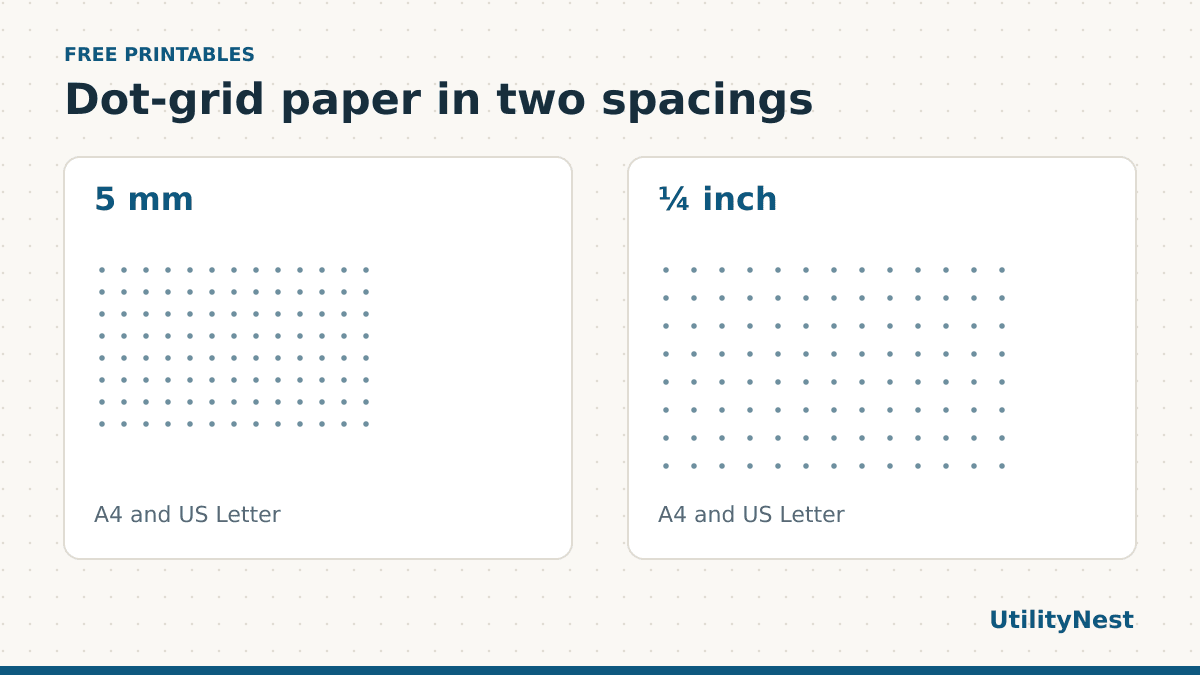
5 mm makes a useful journal or sketching grid when you use a metric ruler. Two spaces are one centimeter and ten spaces are five centimeters. It gives you enough reference points to align a drawing or table without filling the page with lines.
¼ inch gives you four spaces per inch. It suits templates and craft instructions written in inches. A quarter inch is 6.35 mm, so the dots are farther apart than on the 5 mm sheet. Both spacings are available on both paper sizes. It is fine to use a metric grid on Letter paper or an inch grid on A4.
Print at the intended scale
- Open the PDF in a viewer. Set A4 or Letter in the print dialog to match both the download and the paper tray.
- Choose actual size or 100%, portrait, and one page per sheet. Disable extra resizing such as Fit to printable area or multiple pages per sheet.
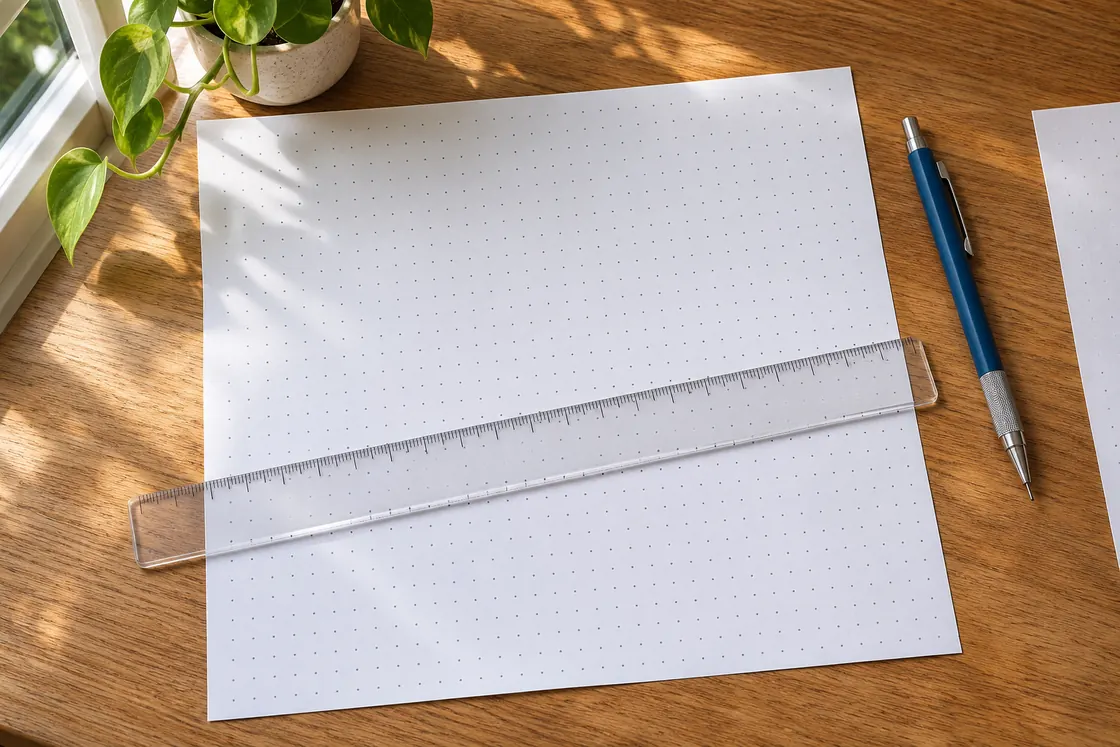
- Print one copy. On the 5 mm sheet, measure ten intervals for 50 mm. On the ¼-inch sheet, measure four intervals for one inch. Start and end at the center of a dot.
- Measure in both directions if the drawing depends on exact proportions. Check the printer settings before making a stack if either direction is off.
Count the gaps between dots. If you place the ruler on the first dot and stop at the fifth, you have measured four intervals. A single gap is small enough that the dot width or the angle of the ruler can make it look different from the intended spacing. Measuring several gaps at once makes that error easier to spot.
If the grid comes out smaller than expected, check for a second scaling control in the printer driver. When printing from a browser, check the print preview carefully or download the PDF and use a dedicated viewer. If you still have trouble, the A4 and Letter print reference has separate metric and inch bars so you can check the scale before printing another grid.
Three ways to use a dot grid
For a weekly journal layout, count the spaces available from the left edge of the grid before marking columns. Make the same number of spaces for each day and leave a small area below the headers for notes. If you need a wider weekend column, mark the edges in pencil first so you can adjust the layout without changing the whole page.
For a floor-plan sketch, choose a scale and write it on the page before you start. For example, one square of the dot grid could stand for half a meter. Join dots lightly for the walls, then add door swings and measurements. A small written scale also helps if someone later photocopies or scans the page at a different size.
For handwriting practice or a simple diagram, the dots can serve as alignment marks without crossing every stroke. If you want strong horizontal and vertical guides for plotting points, download the matching square graph paper instead.
Make a template you can print again
Decide how much of the sheet will remain blank before you build your first page. If you want a reusable tracker, draw a sample header and two entries in pencil. Count how many entries fit before adding permanent labels. Keep the blank PDF and the completed template as separate files. That way you can print more plain dot paper later without copying old notes.
Dot grids work on both sides of a sheet, but page alignment depends on the printer and paper feed. If you plan to write on both faces, print two sample pages first and hold the sheet up to light. Even a slight shift can be noticeable with thin paper. Heavier paper can reduce show-through. Use a weight your printer supports and test the pen you actually plan to write with, because the paper and ink combination affects the result more than the digital dot spacing.
What the download contains
Each file is a single PDF page with vector dots. We checked both paper sizes and the distance between dot centers in the files. The grid is centered horizontally and leaves a border for holding or punching the page. If you plan to bind the sheets, check your punch and margins with a test page before using the whole stack. For a combined notebook or worksheet packet, merge matching paper sizes and keep the print scale at 100%.